
 Print View
• Company Logo
• Third Party Certificate Logo
• Product
• Additional Image
• Company & Product Certifications
• Rules and conditions for RFQ Service Company Logo

 Your Company Logo will appear on all pages of the Corporate or Marketing website together with your contact details.
 |
| Sample Company Logo |
| To speed up the processing of your Corporate or Marketing website, follow these suggested company logo image guidelines. If you are not sure whether the images meet these guidelines, you can still submit them. Graphic artists will edit and enhance the images or advise you accordingly. | ||||||||
| 1. | Avoid captions and text in the image other than the logo itself. They can be distracting. | |||||||
| Recommended |  |
Not Recommended | ||||||
| ||||||||
 |
 | |||||||
Back to Top | ||||||||
| ||||||||
| 2. | Place the logo against a white background. It will enhance the appearance of the logo on the website. | |||||||
| Recommended | |
Not Recommended | ||||||
| ||||||||
 |
 | |||||||
Back to Top | ||||||||
| ||||||||
| 3. | Check that the image resolution, or the number of pixels per inch it contains, does not go below 72 pixels per inch. Images with fewer than 72 pixels per inch will appear blurry on the website. | |||||||
| Tip: To speed up the submission time, set the image resolution to exactly 72 pixels per inch. Images with higher resolutions will be larger and will take longer to submit | ||||||||
| ||||||||
| 4. | Make sure the logo measures at least 1.25 by 1.25 inches (3.175 by 3.175 centimeters, 90 by 90 pixels) if it's square or circular. If the logo is rectangular or elliptical, the longest side should be at least 2 inches (5cm or 140 pixels). Images smaller than these will be too small for use on the website. | |||||||
| Tip: The graphics below show the minimum sizes for submission: | ||||||||
|
||||||||
Back to Top | ||||||||
| ||||||||
| 5. | The image should preferably be in color and use the JPEG format with medium compression. | |||||||
| JPEG is a standard format for displaying images on the Internet. JPEG images can be compressed so that they appear faster in a browser, but too much compression will make the image blurry. The medium compression setting strikes the best balance between speed and image quality. | ||||||||
Back to Top | ||||||||


 Sample Third Party Certificate Logo |
|
Certification logos appear on your product profiles, Certifications section and other key pages of your website. |
To speed up the processing of your website, follow these suggested logo image guidelines. If you are not sure whether the images meet these guidelines, you can still submit them. Graphic artists will edit and enhance the images or advise you accordingly.
| 1. | Avoid captions and text in the image other than the logo itself. They can be distracting. | ||
| Recommended | |
Not Recommended | |
| |||
 |
 | ||
Back to Top | |||
| |||
| 2. | Place the logo against a white background. It will enhance the appearance of the logo on the website. | ||
| Recommended | |
Not Recommended | |
| |||
|
 | ||
Back to Top | |||
| |||
| 3. | Check that the image resolution, or the number of pixels per inch it contains, does not go below 72 pixels per inch. Images with fewer than 72 pixels per inch will appear blurry on the website. | ||
| Tip: To speed up the submission time, set the image resolution to exactly 72 pixels per inch. Images with higher resolutions will be larger and will take longer to submit | |||
| |||
| 4. | Make sure the logo measures at least 1.11 by 1.11 inches (2.82 by 2.82 centimeters, 80 by 80 pixels) if it's square or circular. If the logo is rectangular or elliptical, the longest side should be at least 1.11 inches (2.82cm or 80 pixels). Images smaller than these will be too small for use on the website. | ||
| Tip: The graphics below show the minimum sizes for submission: | |||
| Recommended | |
Not Recommended | |
| |||
 |
 | ||
| |||
| 5. | The image used should preferebly be in a GIF format. | ||
Back to Top | |||
Each product in your showroom is accompanied by a primary product image. As you know, a clearer and tidier image can better display your product quality and create more buyer interests than a blurry image with too many items in it. For example, you'll notice the image on the left looks much more attractive than the one on the right:

 To maximize your online marketing results and speed up the processing of your website, we wish to ensure the images you upload meet the following standards:
- Image must be sharp, clear and in focus with product details clearly visible.
Basic specifications:
• Size: 800 x 800 pixels or above
• Resolution: 100 dpi or above
• Color mode: RGB (system doesn't accept CMYK color mode)
• Format: JPG/JPEG/PNG
• Weight/size(Recommend): 100KB - 5MBNot Recommended Recommended
- Images must depict products at correct angle — avoid tilted, flipped, reverse, upside-down or other problematic displays.
Not Recommended
 Recommended
- Reflective surfaces on products must not contain flash or other distracting elements.
Not Recommended
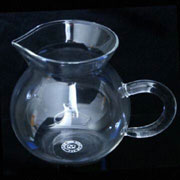 Recommended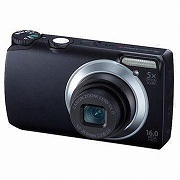
- Products must not be displayed with packaging, unless the packaging is part of the product USP (i.e. product is a packaged set). Any packaging displayed, however, must be clear and must not lower the quality of the image.
Not Recommended
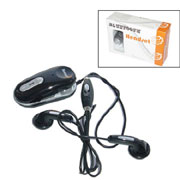 Recommended
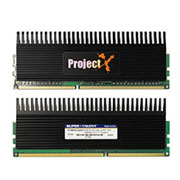 (Package image in additional PP)
- Different representations of the same product (i.e. various angles or positions of the same product) must not appear together in the main PP image. Similarly, schematic drawings and illustrations must not be used as the main PP image.
Not Recommended
 Recommended
- All products must be displayed on solid white background with the following exceptions:
- Transparent products (e.g. glass shower enclosures) — first try a solid white background if nothing is reflected on the product and deleting the client-provided background presents no problems
Background color should look consistent.
Example:
- Products with holes (e.g. chain link jewelry, tennis rackets, etc.)
Background color should look consistent.
Example: Example:
- Transparent products (e.g. glass shower enclosures) — first try a solid white background if nothing is reflected on the product and deleting the client-provided background presents no problems
- To make a greater impact, make sure the most important part of the image fills 50-80% of the image. All products must be large enough for details to be clearly visible.
Not Recommended
 Recommended
- One image per product is optimum. Images showing multiple products are only allowed if they comprise a set. Only four similar products or same serial products can be put it together, but for the best result is one product in each image.
Not Recommended
 Recommended
 Not Recommended
 Recommended (main)
 Notes: Multiple images of different product are allowed only if they are of the flat type and easy to display one on top of the other. They must be large enough for all details to be clearly visible.
Example:
Notes: Multiple images of different product are allowed only if they are of the flat type and easy to display one on top of the other. They must be large enough for all details to be clearly visible.
Example: Example: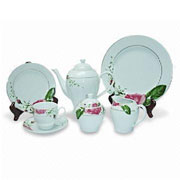
- Don't put products from different categories in the same image. This will confuse buyers as to which product you are trying to convey the information for.
Not Recommended
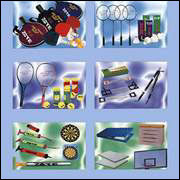
- Don't put captions and text in the image. Text in small images like these will appear blurry and hard to read.
Not Recommended
 Not Recommended
- Don't put any URL in the image.
Not Recommended
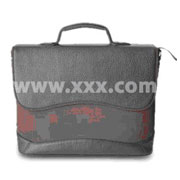 Not Recommended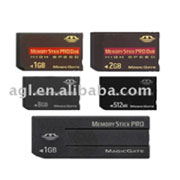
- Use a simple, white background (except for light-colored). A background that is too busy or colorful will distract readers from the product you are trying to sell.
Not Recommended
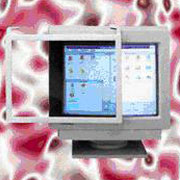
- Don't use patented products or images. We are not allowed to post images of products that are patented by another party but for which you are not licensed to sell. We also do not allow images of products bearing brands that you are not licensed to use or sell without including a disclaimer. We will ask for proof of licensing agreements from you before allowing any such images to be posted.
Not Recommended
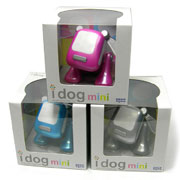 Not Recommended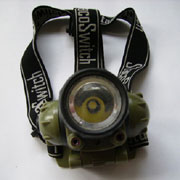
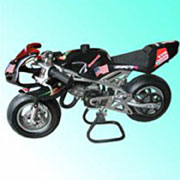
- Don't show national flags or currencies on your products.
Not Recommended
 Not Recommended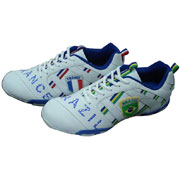
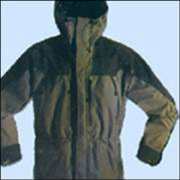
- Product shown in every image should be complete.
Not Recommended
 Not Recommended
- Contact information is not allowed in product images. Including telephone, fax, mobile phone, QR code, WeChat, email, QQ, Skype, WhatsApp and so on.
Not Recommended
Each product in your showroom is accompanied by a photograph or image. If you want to show more details or functions of your product, you can upload the functional images what we called additional PP. To better show your product and speed up the processing of your website, we would like to tell you what kind of image should be put in additional PP:
- Image must be sharp, clear and in focus with product details clearly visible
Basic specifications:
• Size: 360 x 360 pixels or above
• Resolution: 100 dpi or above
• Color mode: RGB (system doesn't accept CMYK color mode)
• Format: JPG/JPEG/PNG
• Weight/size(Recommend): 40KB - 5MB - The instruction to the product, pictorial diagram and the product leaflet should be be put in additional PP:
Example: Main image
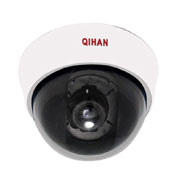 Example: Additional PP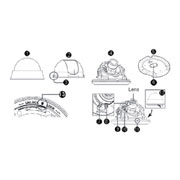
- The packaging of the product should be be put in additional PP: (If packaging is part of the product USP, it can be put in the main image.)
Example: Main image
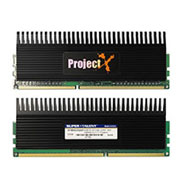 Example: Additional PP
- If the product has different angle and color should be put in the additional PP.
Example: Main image
 Example: Additional PP
 Example: Main image
 Example: Additional PP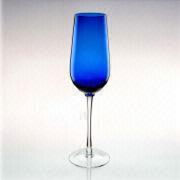
- If the function images of the product should be put in the additional PP.
Example: Main image
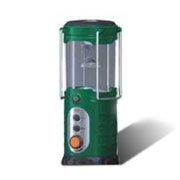 Example: Additional PP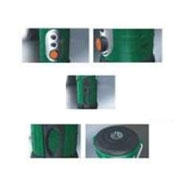
- If you haven't the additional PP function such as 1 star supplier, we wish to ensure the images you upload meet the following examples:
Not Recommended
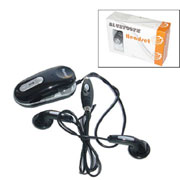 Recommended: Main image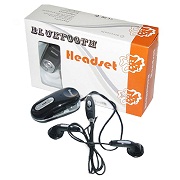
- To maximum use the space of the image, you can merge the packaging behind the product.
Not Recommended
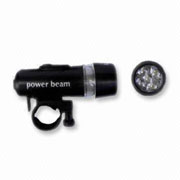 Recommended: Main imageTo maximum use the space of the image, you can enlarge the image in same proportion.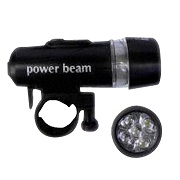
| To speed up the processing of your website, follow these suggested scanned certificate image guidelines. Please note, however, that the scanned image is required to display a manufacturing-related certificate such as ISO, QS, GB and AQL. Do not upload images of anything else as this may confuse buyers. | |||||||||||
 |
|
||||||||||