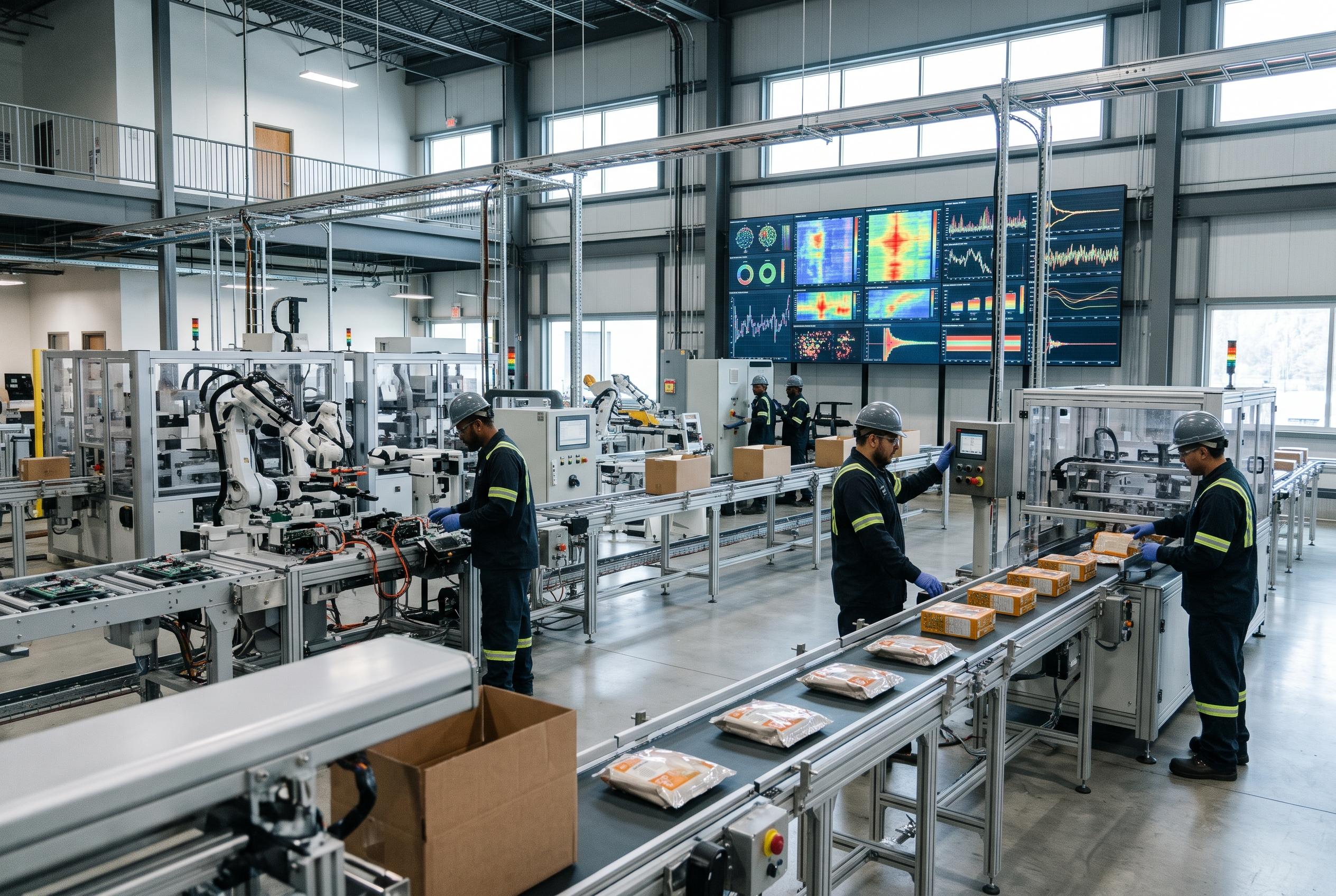
Manufacturers are turning to anomaly detection models to spot damaged parts, stains, missing components, and stray debris without collecting thousands of defect images first. Roboflow's new support brings tools such as PatchCore and FoundAD to cloud and edge deployments, giving quality teams a faster way to teach machines what normal looks like.
Quality inspection gets a practical shortcut
The most useful idea behind anomaly detection is also the simplest: teach a system what a good product looks like, rather than trying to predict every possible failure.
That matters on busy production lines, where a defect may appear only once in thousands of items. A scratch, dent, stain, broken shell, or stray bolt can be difficult to collect and label in sufficient numbers. According to Roboflow, anomaly detection is designed for exactly this kind of rare and unpredictable problem.
The output is more useful than a simple yes-or-no decision. A model can return an anomaly score and a visual heatmap, giving operators a clearer sense of whether an item is slightly unusual or obviously wrong.
Why PatchCore and FoundAD stand out
Roboflow's approach supports two architectures, PatchCore and FoundAD. Both examine small visual regions, or patches, rather than treating the entire image as one indivisible block.
PatchCore compares new visual features with a memory bank built from normal training images. The further a patch sits from the examples the model has seen, the more suspicious it becomes. Industry references, including Anomalib documentation and PatchCore model implementations, describe the method as a practical foundation for image anomaly detection.
FoundAD takes a different route, learning the shape of normal feature patterns with a compact training component. Roboflow's testing found that FoundAD was a strong option when only a few good images were available, while PatchCore benefited more noticeably from additional training data.
The right model depends on your data
There isn't a universal winner, and that's probably a good thing. PatchCore trains quickly and performed better in Roboflow's example test, where it identified 14 of 15 real defects with two false alarms. FoundAD detected 10 defects in the same comparison, but its performance can be attractive when the training set is small.
Speed also depends on image resolution and hardware. PatchCore's searchable memory bank grows with the training data, while FoundAD's inference speed is less affected by the number of training images. External PatchCore resources, including model references from Mixpeek, Hugging Face, and Atlas, reinforce the importance of testing performance on the hardware and image sizes you actually plan to use.
In other words, benchmark charts are helpful, but they aren't destiny. A production camera, a compact edge device, and a high-resolution inspection image can produce very different results.
Better training starts with cleaner images
The first practical rule is to show the model one object at a time whenever possible. If a conveyor image contains dozens of products, a tiny defect can disappear into the wider scene. Roboflow recommends cropping individual objects, with a little surrounding margin, before training and scoring.
The normal training set also needs to be genuinely normal. A cracked egg, dirty package, or damaged component accidentally labelled as good can teach the model that the defect belongs there. That sounds obvious, but real factory data is rarely as tidy as a demo dataset.
If anomalous examples are available, they can help set a more useful threshold and evaluate precision and recall. Still, the model itself learns from the normal images, which makes it particularly useful before a company has built a large library of labelled failures.
Turning anomaly scores into safer decisions
A heatmap is helpful, but it should be handled carefully. Background edges, neighbouring objects, shadows, and blurry crops can all look unusual. Roboflow's production guidance suggests focusing the score inside the object and using the strongest heatmap values rather than averaging the entire image.
Thresholds should also come from the actual camera setup. A clean image captured under bright factory lighting may produce very different scores from one captured after a camera shift, lens clean, or lighting change. Setting the limit from clean validation images gives teams a more realistic baseline.
For video lines, frame voting can reduce false alarms. Instead of rejecting a product because of one blurry frame, the system can wait for an anomaly to appear consistently across several recent views. That small delay may make the difference between a trusted inspection tool and a machine operators learn to ignore.
A useful first step toward full defect detection
Anomaly detection doesn't have to replace object detection or classification forever. It can act as a bridge: run the model on the production line, review what it flags, and gradually build a labelled collection of real defects.
That workflow is especially appealing for manufacturers that know something is going wrong but don't yet know every form it can take. Over time, the unusual images become valuable training material for more targeted models.
The broader lesson is encouraging. Computer vision doesn't always need a giant catalogue of failure examples to get started. Sometimes, a well-curated set of good products, a sensible threshold, and a close look at the heatmap are enough to uncover what shouldn't be there.
Disclaimer: This article may have been created with AI assistance and reviewed by our editorial team. It is provided for general informational purposes only. Readers should verify information independently before relying on this content.