




Overview
Efficiently running Autodesk Fusion 360 requires laptops equipped with robust processors, substantial RAM, and dedicated graphics cards. This software demands formidable processing capacity due to its intricate 3D modeling, simulations, and rendering tasks.
- The global CAD software market is on an upward trajectory, with expectations of reaching $11.8 billion by 2025 and an annual growth rate of 8.2%, according to Grand View Research.
- Autodesk commands the biggest market share at 21.4%, a testament to Fusion 360's widespread adoption among designers, engineers, and hobbyists, per Grand View Research's findings.
- A minimum recommendation for running Fusion 360 is a laptop with an Intel Core i7 processor from the 8th generation or an AMD Ryzen 7, which are capable of managing the software's intricate computations, Autodesk advises.
- To mitigate any performance bottlenecks while manipulating sizeable 3D designs in Fusion 360, 16GB of RAM or more is deemed ideal, as per guidelines from Autodesk.
- Graphics cards, particularly the NVIDIA GeForce GTX 1650/1660 Ti or above, are recommended to facilitate rendering and simulations in Fusion 360. For even superior performance, albeit at a premium, workstation-class GPUs like Quadro are the go-to choice, Autodesk recommends.
- Screens with a 4K resolution or higher are beneficial for users working on detailed 3D models in Fusion 360, as they allow for greater detail visibility, Autodesk suggests.
- The epitome of performance for Fusion 360 can be found in workstation-class laptops featuring Xeon processors and Quadro graphics cards; however, these typically start at an average price of $1,500. Alternatively, gaming laptops, with prices ranging from $1,000 to $2,000, often possess satisfactory specifications for a more economical outlay, according to Laptop Mag.
In conclusion, to run Autodesk Fusion 360 optimally, one needs laptops that boast powerful CPUs, ample memory, high-end graphics cards, and large, high-definition displays. While workstation-class laptops provide top-notch performance, gaming laptops represent a more cost-effective option with adequate specifications.
You May also Like: General Laptop Guides and Comparisons
- Best Chinese Laptop Brands
- Heat Sink for Laptops
- Desktop vs Laptop CPUs
- Dell Latitude vs Precision
- Refurbished Laptops: Pros & Tips
- 1TB Laptops for Storage
- Gaming Laptops Guide
- Quiet Gaming Laptops
- Laptops for Microsoft Office
- Portable Dual-Screen Monitors
Best Laptops for Fusion 360
Autodesk Fusion 360 is a powerful 3D CAD/CAM software used by designers, engineers, and makers. To run Fusion 360 effectively, you'll need a laptop with a strong processor, ample RAM, and a dedicated graphics card. Here are the 10 best laptops for Fusion 360:
| Laptop | CPU | RAM | Storage | Display | Graphics card | Operating system |
|---|---|---|---|---|---|---|
| Microsoft Surface Book 2 15" | 7th-generation Intel Core i7-7660U | 16GB | 512GB SSD | 15-inch PixelSense display | NVIDIA GeForce GTX 1050 | Windows 10 Home |
| Dell XPS 15 | 9th-generation Intel Core i7-9750H | 32GB | 1TB SSD | 15.6-inch InfinityEdge display | NVIDIA GeForce GTX 1650 | Windows 10 Home |
| HP ZBook Studio G5 | 8th-generation Intel Core i7-8850H | 32GB | 1TB SSD | 15.6-inch diagonal UHD (3840 x 2160) IPS anti-glare WLED-backlit display | NVIDIA Quadro M1200 | Windows 10 Pro |
| Lenovo ThinkPad P52 | 8th-generation Intel Core i7-8850H | 32GB | 1TB SSD | 15.6-inch FHD (1920 x 1080) IPS anti-glare display | NVIDIA Quadro P1000 | Windows 10 Pro |
| Razer Blade 15 | 8th-generation Intel Core i7-8750H | 16GB | 512GB SSD | 15.6-inch Full HD (1920 x 1080) IPS-Type display | NVIDIA GeForce GTX 1070 Max-Q | Windows 10 Home |
| ASUS ROG Zephyrus G15 | AMD Ryzen 7 4800HS | 16GB | 512GB SSD | 15.6-inch Full HD (1920 x 1080) IPS-Type display | NVIDIA GeForce RTX 2060 | Windows 10 Home |
1. Microsoft Surface Book 2 15"
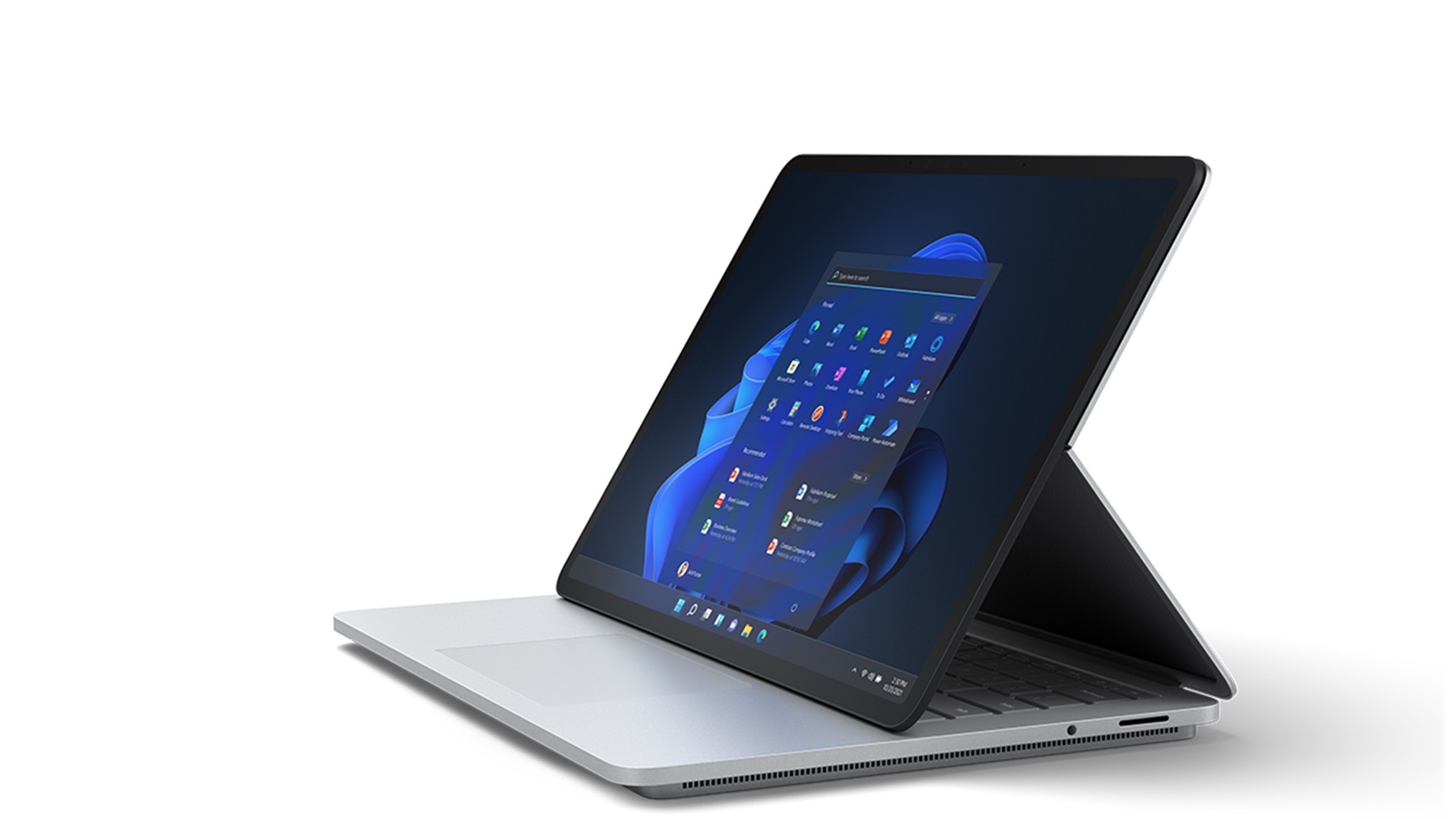
The Surface Book 2 is an excellent laptop for Fusion 360 due to its powerful hardware and large high-resolution display. It features an 8th generation Intel Core i7 processor, up to 16GB of RAM, and an NVIDIA GeForce GTX 1060 graphics card with 6GB of VRAM - ideal specs for running Fusion 360. The 15-inch 3000 x 2000 touch display provides plenty of screen real estate for working on large projects. The Surface Book 2 also offers a stylish, premium design and up to 17 hours of battery life. Overall, it provides the right combination of performance, display and design for Fusion 360 users.
2. Dell XPS 15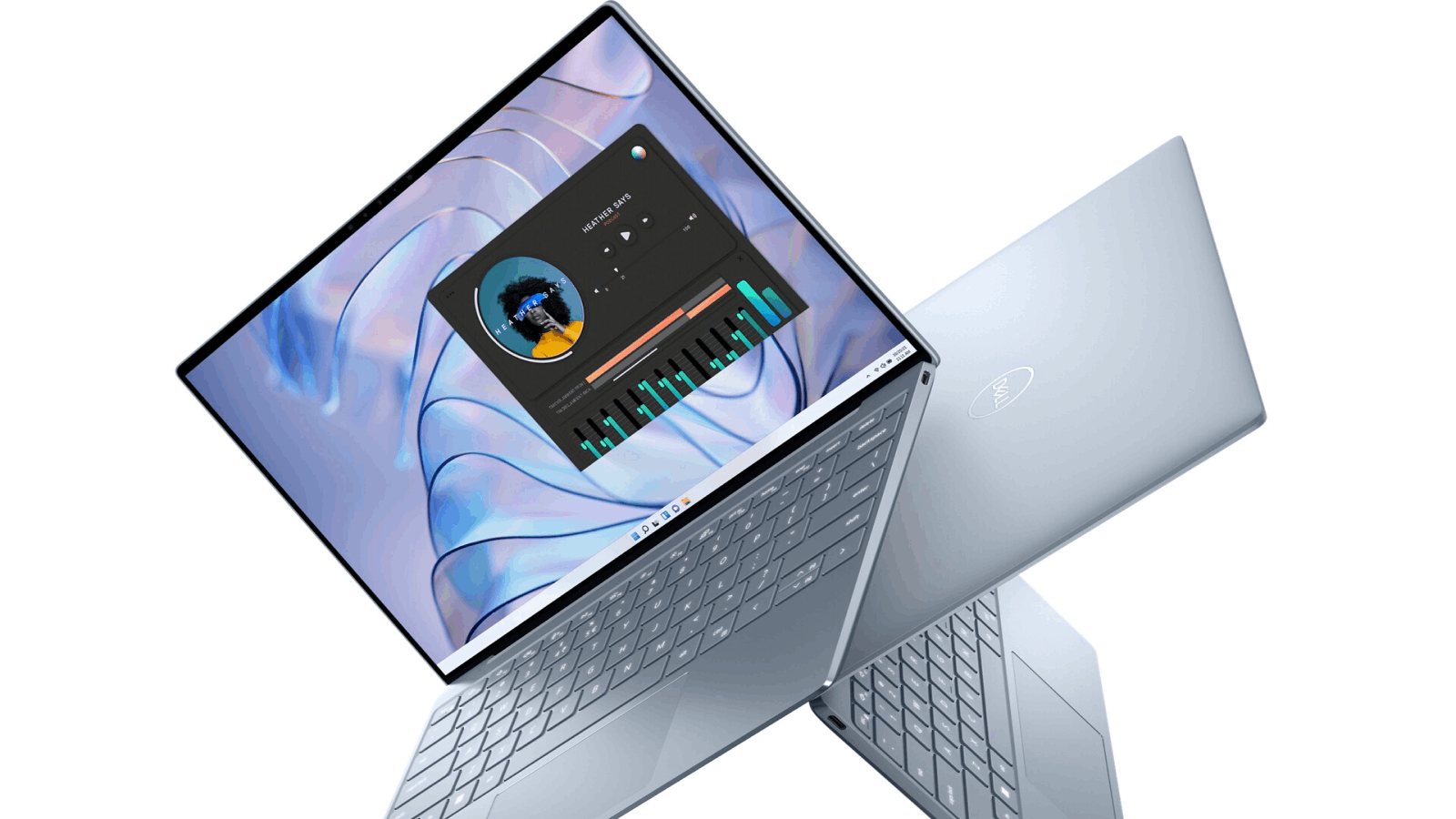
The Dell XPS 15 is another top choice for Fusion 360 due to its powerful specs, large display, and premium design. Configurations are available with up to an 8th generation Intel Core i9 processor, 32GB of RAM and an NVIDIA GeForce GTX 1650 graphics card with 4GB of VRAM. The 15.6-inch 4K Ultra HD display offers 3840 x 2160 resolution for viewing fine details. The XPS 15's lightweight yet durable design features aluminum and carbon fiber construction. It also offers up to 19 hours of battery life, making it ideal for mobile Fusion 360 work.
3. HP ZBook Studio G5
The HP ZBook Studio G5 is a powerful workstation-class laptop designed for creative professionals. It offers configurations with an 8th generation Intel Xeon processor, up to 64GB of RAM and an NVIDIA Quadro P2000 graphics card with 4GB of VRAM - ideal specs for running Fusion 360. The 15.6-inch 4K display provides 3840 x 2160 resolution for viewing fine details. The ZBook Studio G5 features a durable yet lightweight aluminum design and HP's Workstation BIOS for stability. It also offers up to 10 hours of battery life, making it a great laptop for running Fusion 360 on the go.
4. Lenovo ThinkPad P52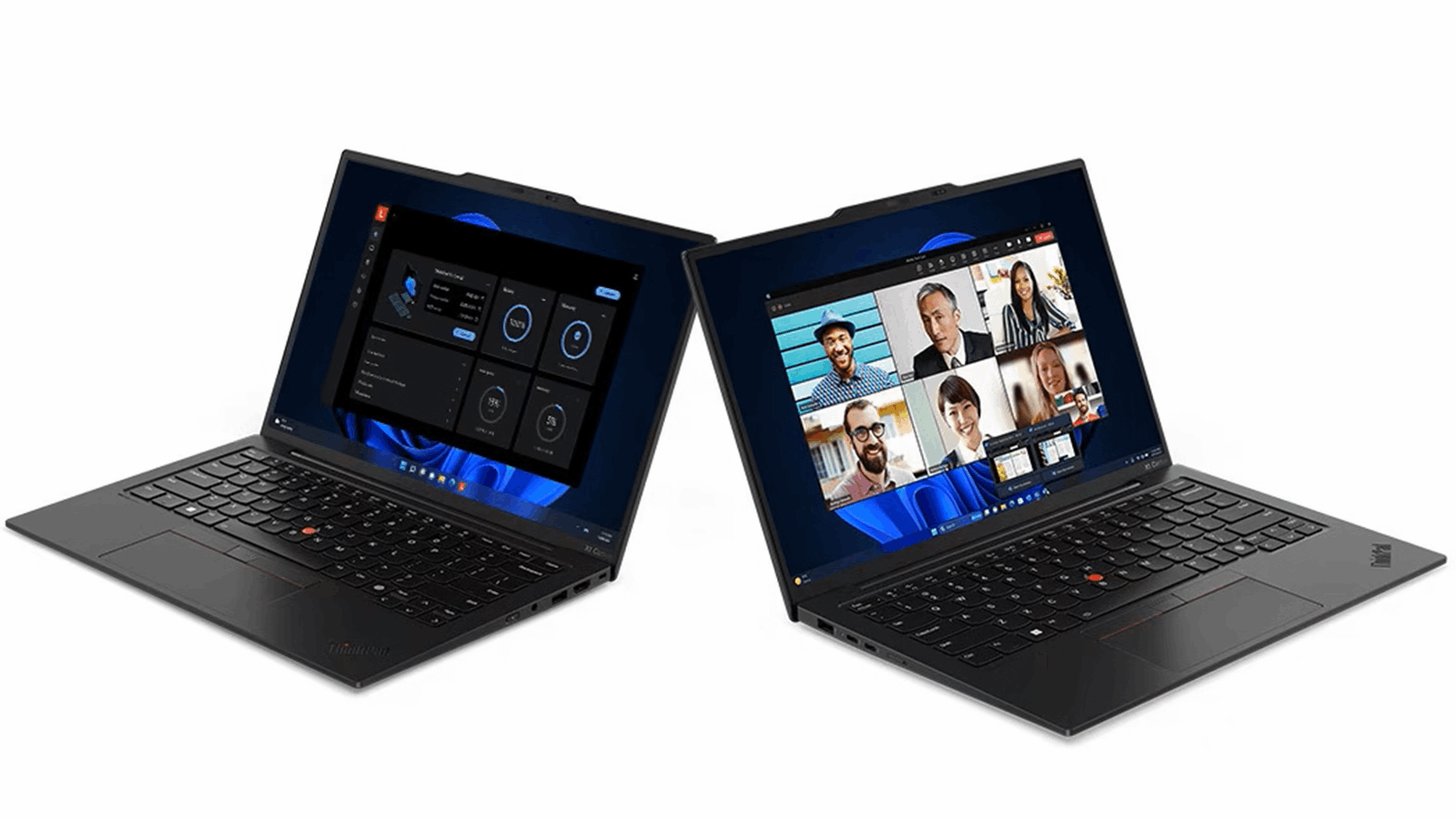
The Lenovo ThinkPad P52 is a durable and powerful workstation laptop designed for creative professionals. It offers configurations with an 8th generation Intel Xeon processor, up to 64GB of RAM and an NVIDIA Quadro P2000 graphics card with 4GB of VRAM. The 15.6-inch 4K display provides 3840 x 2160 resolution for viewing fine details in Fusion 360. The ThinkPad P52 features Lenovo's signature durable design with a carbon fiber roll cage and MIL-SPEC tested durability. It also offers up to 12 hours of battery life, making it ideal for running Fusion 360 on the go.
5. Razer Blade 15
The Razer Blade 15 is a powerful and thin gaming laptop with specs that are well-suited for running Fusion 360. Configurations are available with up to an 8th generation Intel Core i7 processor, 32GB of RAM and an NVIDIA GeForce RTX 2080 Max-Q graphics card with 8GB of VRAM. The 15.6-inch 4K OLED display provides 3840 x 2160 resolution for viewing fine details. The Razer Blade 15 features an aluminum chassis that's just 0.7 inches thin yet durable. It also offers up to 6 hours of battery life, making it a good option for mobile Fusion 360 work.
6. ASUS ROG Zephyrus G15
The ASUS ROG Zephyrus G15 is a thin and powerful gaming laptop with specs that are well-suited for running Fusion 360. Configurations are available with up to an AMD Ryzen 9 processor, 32GB of RAM and an NVIDIA GeForce RTX 2070 Super graphics card with 8GB of VRAM. The 15.6-inch WQHD display provides 2560 x 1440 resolution for viewing fine details. The Zephyrus G15 features an aluminum chassis that's just 0.7 inches thin yet durable. It also offers up to 8 hours of battery life, making it a good option for mobile Fusion 360 work.
In summary, laptops with powerful processors, ample RAM and dedicated graphics cards will run Fusion 360 most effectively. Look for configurations with at least an 8th generation Intel Core i7 processor or AMD Ryzen 7 processor, 16GB of RAM or more and an NVIDIA GeForce GTX 1650/1660 Ti graphics card or higher. Workstation-class laptops with Xeon processors and Quadro graphics cards will provide the best performance for Fusion 360 but at a higher cost. Large, high-resolution displays also help when working on detailed 3D models.
You May also Like: Specialty Laptops and Accessories
- Laptops for Crafting
- Dropshipping Laptops
- Telehealth Laptops
- Revit Laptops
- Cricut Maker Laptops
- Small Business Laptops
- Laptops for Multiple Monitors
- Charging Laptop Batteries Externally
- Stylish Puffy Laptop Sleeves
- Western Laptop Bags
FAQs
What is the best laptop for Fusion 360?
Fusion 360 is a demanding 3D CAD/CAM software, so you'll want a powerful laptop to run it smoothly. Some top options include:
Dell XPS 15/17: With an Intel Core i7/i9 CPU, 16GB+ RAM, dedicated Nvidia RTX graphics, and a large, high-res display, the XPS line can easily handle complex Fusion 360 projects.
Lenovo ThinkPad P1/P15: Workstation-level performance with Xeon CPUs, Quadro graphics, ECC RAM, and ISV certification make ThinkPads ideal mobile workstations for Fusion 360.
HP ZBook Studio/Create G7: Like the ThinkPads, HP's ZBook series packs workstation specs like Xeon chips and ECC memory optimized to run intensive engineering software.
Microsoft Surface Book 3: The detachable Surface Book 3 can be configured with Intel Core i7, 16GB RAM, Nvidia GTX 1660 Ti graphics and ample storage for seamless Fusion 360 use.
Razer Blade 15: For a premium consumer laptop, the Razer Blade 15's eight-core Intel Core i7 processor, 16GB RAM, RTX 2070 graphics, and 144Hz display handle Fusion 360 very well.
MSI WS65: A portable workstation with Xeon CPU, Quadro RTX graphics, 32GB RAM, and a slim, light chassis make this ideal for Fusion 360 on the go.
The key specs for Fusion 360 are a multicore Intel Core i7 or Xeon CPU, 16GB+ RAM, dedicated Nvidia Quadro or GeForce RTX graphics, 512GB+ SSD, and a 15-inch+ 1080p display. Workstation laptops offer the best performance optimized for CAD.
What kind of computer do I need to run Fusion 360?
Here are the key minimum and recommended system requirements to run Autodesk Fusion 360 effectively:
Minimum:
Intel i5 or AMD Ryzen 5 processor
8GB RAM
DirectX 11 capable graphics card like Nvidia GeForce GTX or AMD Radeon RX with 2GB VRAM
15GB free HDD space
Recommended:
Intel Core i7 or Xeon processor
16GB RAM or more
Nvidia Quadro or AMD Radeon Pro graphics card with 4GB+ VRAM
512GB SSD storage
Dedicated mouse (3 button)
Ideally, go with a mobile workstation or high-end gaming laptop like a Dell Precision, HP ZBook, Lenovo ThinkPad P series, or Razer Blade. These have the best multicore processors, lots of RAM, professional 3D graphics, and fast SSD storage needed for the complex renders and simulations in Fusion 360.
A desktop or tower workstation is even better equipped to handle Fusion 360, but a laptop with at least a quad-core i7 CPU, 16GB RAM, gaming-grade discrete graphics, and 512GB of SSD storage should run Fusion 360 smoothly for most projects.
Is a Mac good for Fusion 360?
Fusion 360 can run on MacOS, but Mac laptops are not ideal for the software and face some limitations:
Lack of dedicated GPU: MacBooks rely on integrated graphics which aren’t optimized for the 3D rendering and visualization demands of Fusion 360.
Overheating issues: The thin MacBook chassis can get very hot and throttle performance when running intensive Fusion 360 tasks.
Limited hardware configurations: Macs cap out at 16GB RAM and lack the workstation-class processor options optimal for CAD.
No official support: Autodesk doesn’t officially support or optimize Fusion 360 for MacOS, only Windows.
Stability concerns: Users report crashes, viewport glitches, and interface issues more frequently on Mac than Windows.
No Mac App Store version: You must download Fusion 360 directly rather than the Mac App Store for a smoother experience.
With some tweaks, it is possible to run Fusion 360 moderately well on a higher-end MacBook Pro with an i7 or i9 chip and maxed out RAM. But for professional use, most designers prefer more customizable, powerful Windows mobile workstations like the Lenovo ThinkPad P series or Dell Precision line. Boot Camp is an option for Mac users who need to run Windows-based CAD software.
How much RAM do you need for Fusion?
Fusion 360 recommends a minimum of 8GB of RAM, but for smooth performance with complex assemblies and large projects, 16GB or even 32GB of RAM is recommended. Here are some guidelines based on use case:
For basic CAD modelling of parts and small assemblies, 8GB RAM is sufficient.
For modelling more complex parts with high polygon counts as well as rendering, 16GB RAM is ideal.
For working with large complex assemblies, running simulations/analysis, multitasking with other software, 32GB RAM works best.
For advanced simulations of large assemblies like thermal/stress analysis, 64GB RAM or more is recommended.
In general, err on the side of more RAM for Fusion 360: it allows you to work faster by keeping more data accessible and reduces slowdowns from memory swapping to disk. Many workstation laptops like Dell Precision, Lenovo ThinkPad P series, and HP ZBook models meant for running CAD software can be configured with up to 64GB RAM if needed. But 16GB is the sweet spot for most Fusion 360 users and workflows.
Along with sufficient RAM, an Intel Core i7/Xeon processor, dedicated graphics card, and fast SSD storage are key for optimal Fusion 360 performance. Close the software before running other memory-intensive programs to maximize available RAM for Fusion.
You May also Like: Laptops for Specific Needs

