




Podcasting has grown into a huge industry, and the right laptop can make all the difference in producing high-quality podcasts. Here are the 10 best laptops for podcasting:
1. MacBook Pro
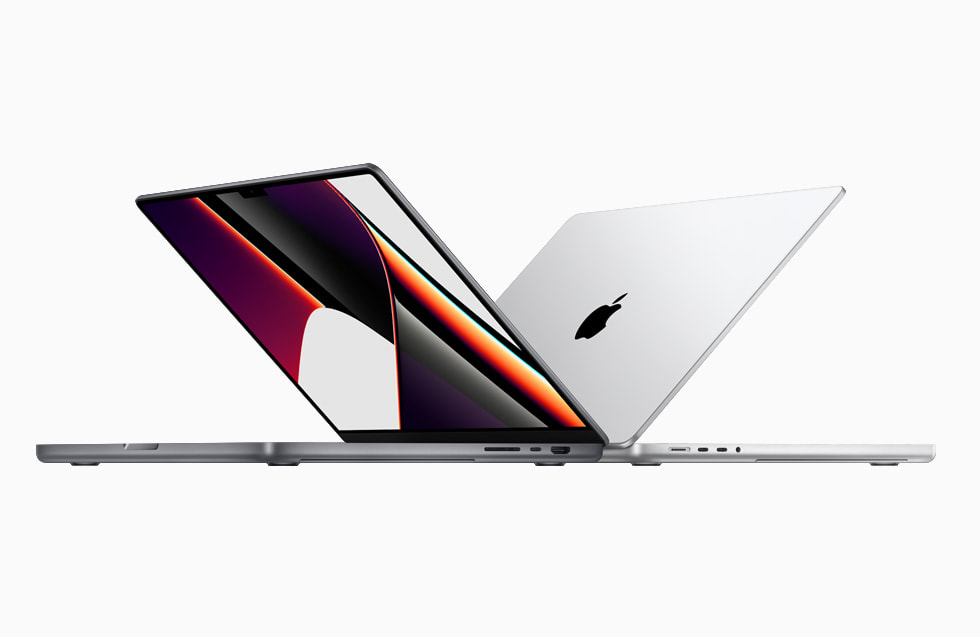
The MacBook Pro is arguably the best laptop for podcasting due to its powerful performance, long battery life, and high-quality audio capabilities. The Intel Core i5 and i7 processors provide ample power for editing audio files. Up to 11 hours of battery life allows for extended recording and editing sessions. The built-in microphones and audio interface are of high quality for capturing podcast recordings. macOS also offers excellent audio software like GarageBand. The MacBook Pro's crisp Retina display makes reviewing and editing audio waveforms easy. Overall, the MacBook Pro provides everything a podcaster needs in a reliable, premium laptop.
| Pros | Cons |
|---|---|
| Excellent build qualityPowerful performance Long battery life macOS is a great operating system for podcasting | ExpensiveLimited ports Not as many customization options as Windows laptops |
See OEM and private label suppliers offering similar products:
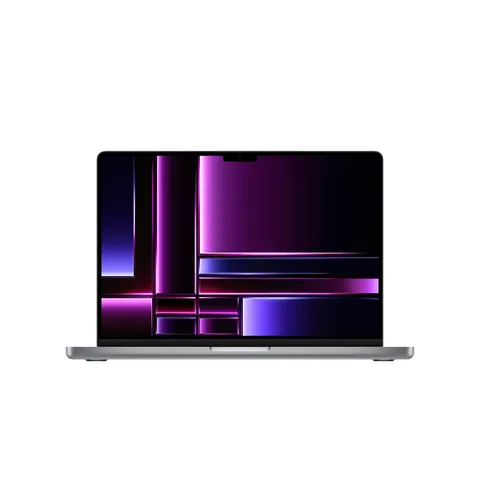
15.6 inch touch portable monitor for macbook pro multitouch pc monitoe display
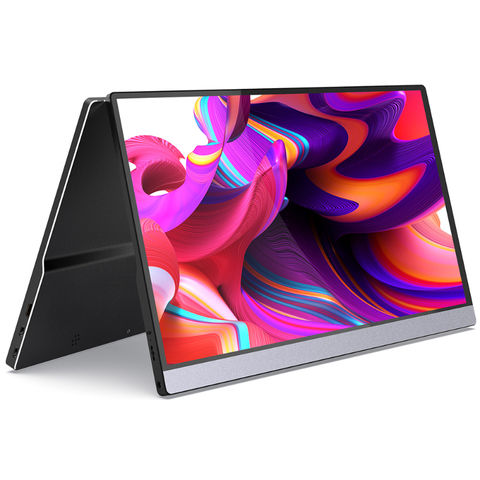
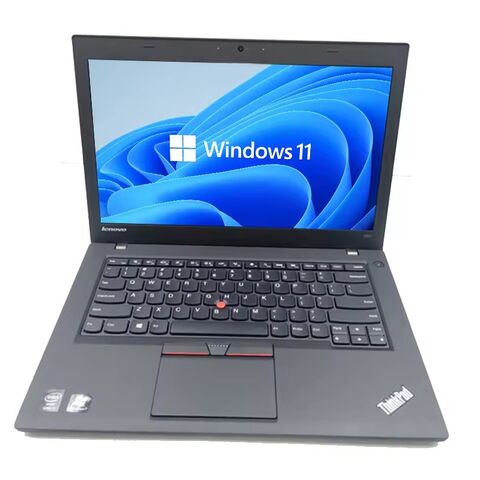
Stock Original Used macbooks clean laptop for air pro 11 13 15 inch second hand i5 i7 for macbook
2. Dell XPS 13/15
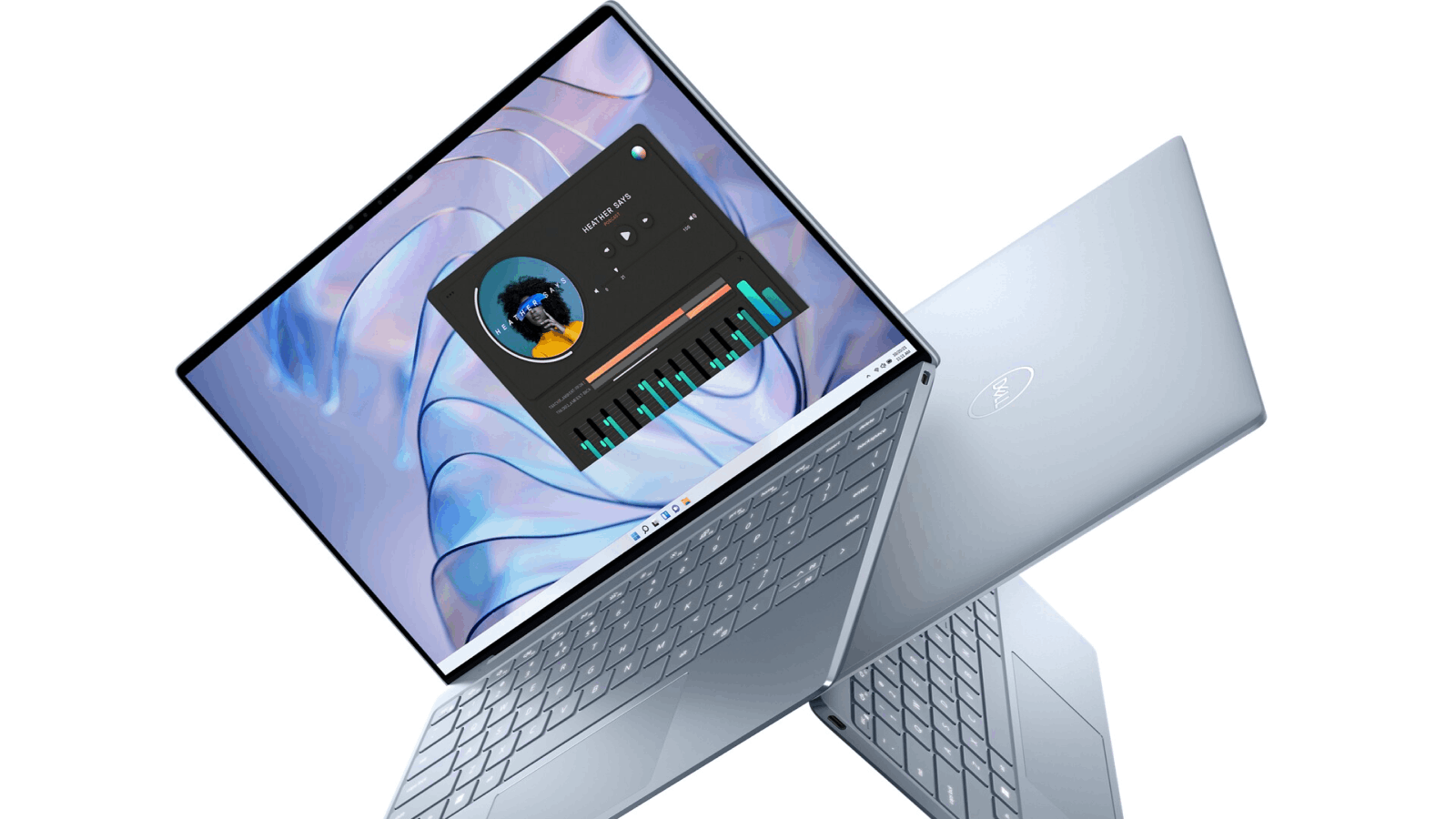
The Dell XPS 13 and 15 offer powerful performance, long battery life, and quality audio for a more affordable price than the MacBook Pro. Configurations are available with Intel Core i5 or i7 processors, up to 16GB of RAM, and up to 18 hours of battery life. The InfinityEdge displays provide plenty of screen real estate for editing audio files. Dell Audio provides optimized audio for the built-in speakers and microphones. An SD card slot and USB-C ports allow for connecting external microphones and storage. Overall, the XPS 13/15 offer most of what the MacBook Pro does at a lower price point.
| Pros | Cons |
|---|---|
| Great value for money Excellent build quality Powerful performance Long battery life Windows 10 is a great operating system for podcasting | Not as many features as some other laptops Not as portable as some other laptops |
See OEM and private label suppliers offering similar products:
Stock 17.3'' intel Gaming Laptop IPS 17 core 10 CPU with RGB backlight keyboard notebook computer for games
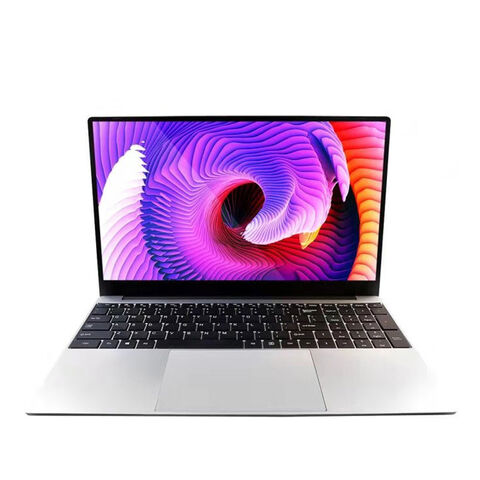
Customization Laptop 15.6 Inch Hot Selling Notebook Students Notebook Netbook Light Laptop SSD Laptop
3. Microsoft Surface Laptop/Pro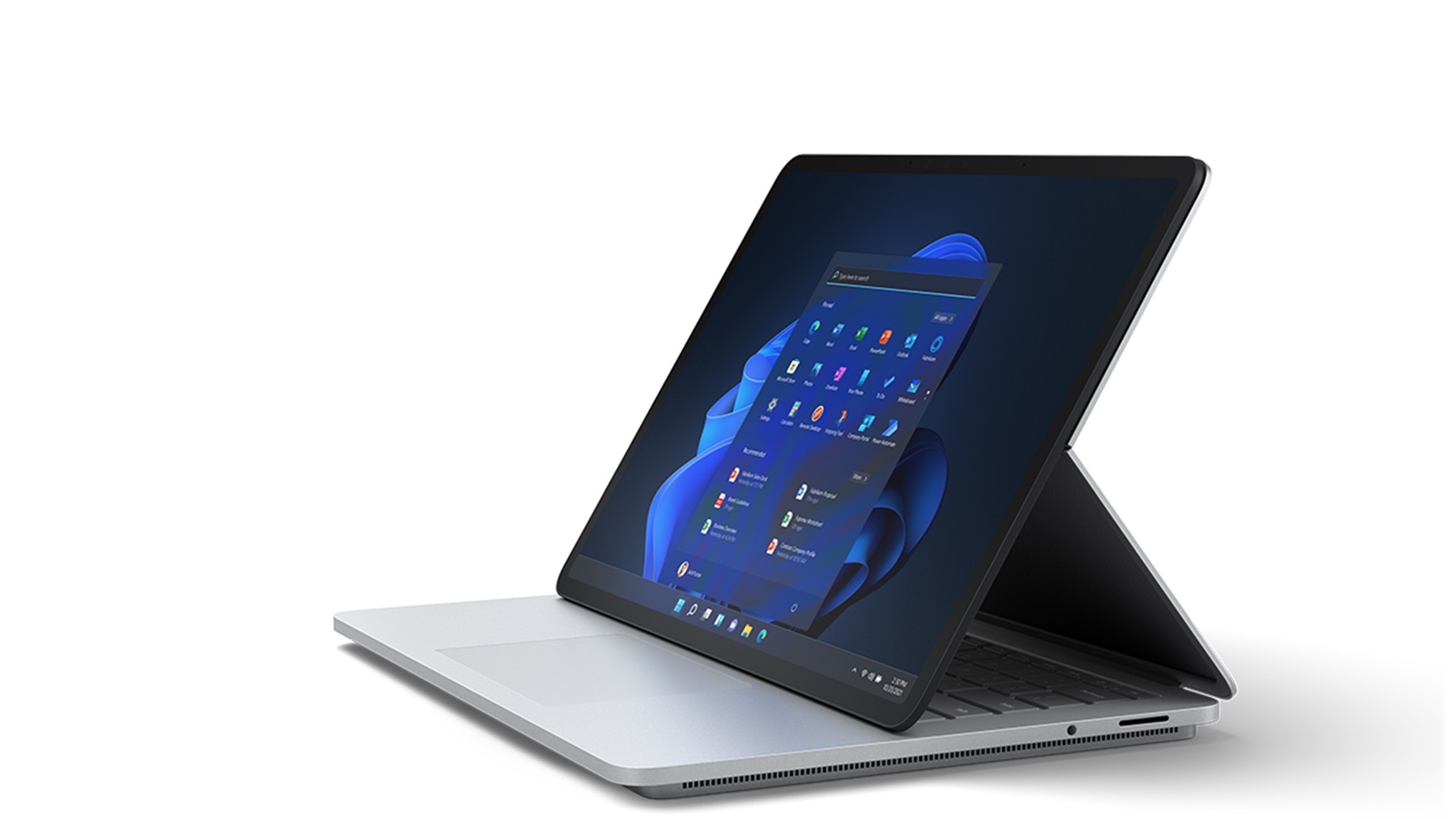
The Microsoft Surface Laptop and Pro are versatile 2-in-1 laptops that offer strong performance, long battery life, and excellent built-in audio for podcasting. Configurations are available with Intel Core i5 or i7 processors and up to 16GB of RAM. Battery life ranges from 13 to 17 hours. The Surface Audio feature provides optimized audio for the built-in microphones and speakers. The touchscreen displays are useful for reviewing and editing audio waveforms. The versatile 2-in-1 design allows for tablet mode for live recording. Overall, the Surface Laptop/Pro offer an excellent combination of performance, audio quality, and versatility for podcasters.
| Pros | Cons |
|---|---|
| Sleek and stylish design Powerful performance Long battery life Windows 10 is a great operating system for podcasting | ExpensiveLimited ports Not as many customization options as Windows laptops |
4. HP Spectre x360
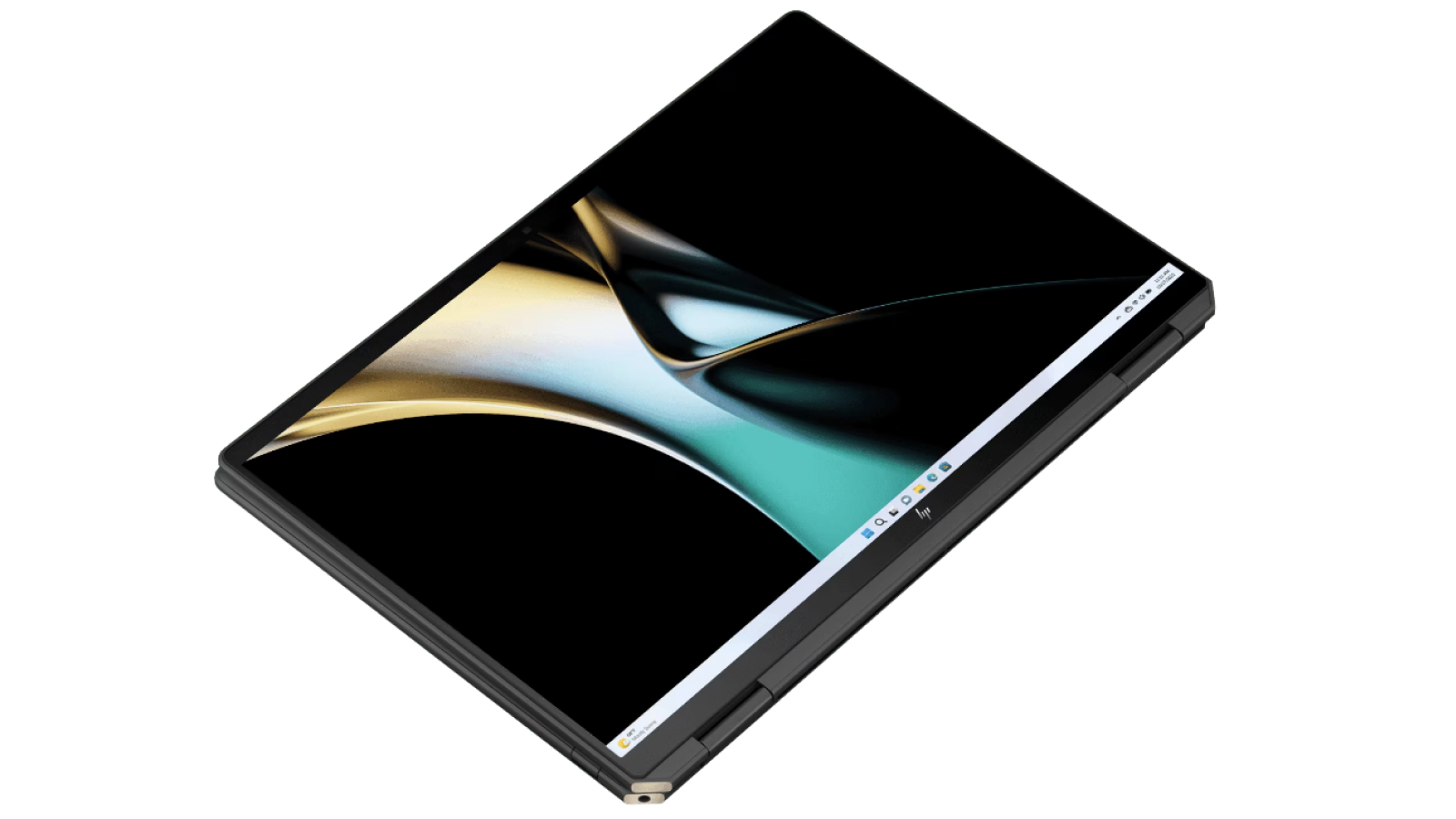
The HP Spectre x360 is a thin and lightweight 2-in-1 laptop that offers strong performance, long battery life, and quality audio for podcasting. Configurations are available with Intel Core i5 or i7 processors and up to 16GB of RAM. Battery life ranges from 11 to 14 hours. The HP Audio Boost feature provides optimized audio for the built-in microphones and speakers. The touchscreen display is useful for reviewing and editing audio. The versatile 360 degree hinge allows for tablet mode for live recording. At just 2.7 pounds, the Spectre x360 is highly portable. Overall, the Spectre x360 offers a premium yet affordable option for podcasters seeking a thin, 2-in-1 laptop.
| Pros | Cons |
|---|---|
| Excellent build qualityPowerful performance Long battery life2-in-1 design makes it versatile Windows 10 is a great operating system for podcasting | ExpensiveLimited ports Not as many customization options as Windows laptops |
5. LG Gram
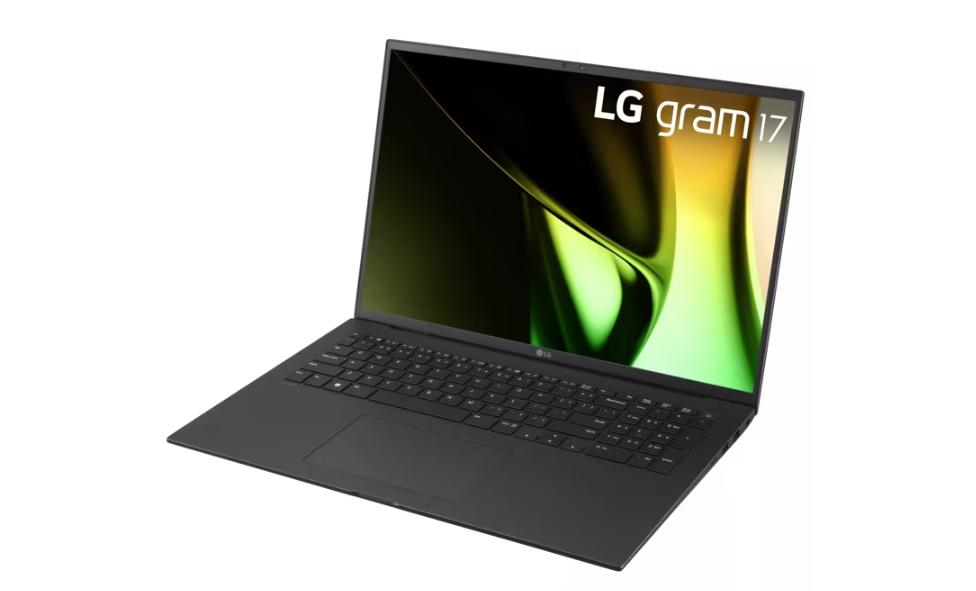
The LG Gram laptops are some of the lightest on the market, weighing just 2 pounds, making them ideal for portable podcasting. Configurations are available with Intel Core i5 or i7 processors and up to 16GB of RAM. Battery life ranges from 17 to 19.5 hours. The Gram's lightweight design is made of magnesium alloy for durability. An HDMI port, USB ports and an SD card slot allow for connecting external microphones and storage. The display is crisp and bright. While the Gram lacks built-in audio features, its extreme portability and long battery life make it a top choice for podcasters on the go.
| Pros | Cons |
|---|---|
| Extremely lightweight Long battery life Powerful performance Windows 10 is a great operating system for podcasting | ExpensiveLimited ports Not as many customization options as Windows laptops |
In summary, reliable performance, long battery life, quality audio capabilities and portability are key for the best laptops for podcasting. While MacBooks offer premium features, Windows laptops from Dell, Microsoft, HP and LG offer compelling options at more affordable price points. 2-in-1 laptops provide added versatility for live recording. Overall, mid-range to premium laptops tend to provide the best combination of specs and features for podcast production
You May also Like: General Laptop Guides and Comparisons
- Best Chinese Laptop Brands
- Heat Sink for Laptops
- Desktop vs Laptop CPUs
- Dell Latitude vs Precision
- Refurbished Laptops: Pros & Tips
- 1TB Laptops for Storage
- Gaming Laptops Guide
- Quiet Gaming Laptops
- Laptops for Microsoft Office
- Portable Dual-Screen Monitors
See OEM and private label suppliers offering similar products:
Top Picks of Laptop at Factory Prices for You
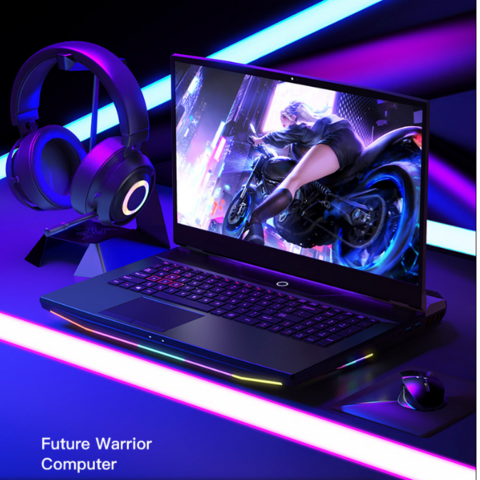
High Quality Gaming laptop 16.1 17.3 Inch i5 i7 9th Gen RTX2080 3050 3060 3070 Gaming Notebook PC for Designers Laptops Gaming
2023 New laptop intel Core i7 10th Dual Double Display Gaming touch screen computadorasr portatil External graphics card laptop
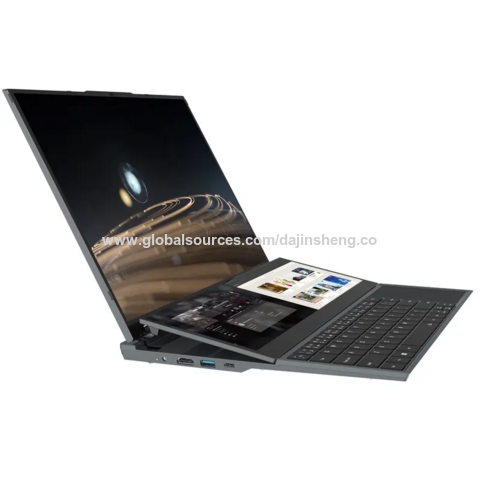
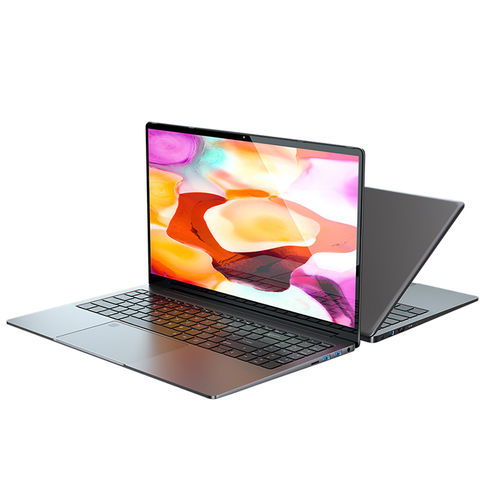
New Private High quality Laptop15.6"Windows 10 8th Generation Intel® Core™ i5 Processors 8259U/8279U
You May also Like: Specialty Laptops and Accessories
- Laptops for Crafting
- Dropshipping Laptops
- Telehealth Laptops
- Revit Laptops
- Cricut Maker Laptops
- Small Business Laptops
- Laptops for Multiple Monitors
- Charging Laptop Batteries Externally
- Stylish Puffy Laptop Sleeves
- Western Laptop Bags
FAQs
What laptops are best for podcasting?
The best laptops for podcasting provide a balance of portability, performance, and high-quality audio capabilities. Key features to look for include:
Processor: A recent generation Intel Core i5 or i7 processor gives you the power to handle multitasking like recording, editing audio, web browsing, and more during the podcast workflow.
RAM: 16GB of RAM is recommended for smooth podcast recording and post-production. This enables you to run multiple programs at once.
Storage: 512GB SSD or higher gives you ample space to store podcast audio files, edit large sessions, and save a library of episodes.
Microphone: Having a built-in high-quality microphone allows for recording interviews or podcasts on the go. Some laptops feature studio-grade mics.
Audio interface: Look for an audio jack, Thunderbolt port, or USB-C port to connect interfaces like the Focusrite Scarlett for professional sound quality.
Operating system: Either Windows or MacOS work well. Just ensure your editing software is compatible.
Some great laptops to consider are the Apple MacBook Pro, Razer Blade 15, Dell XPS 15, and Asus ROG Zephyrus G14. The key is a balance of processing power, RAM, storage, and audio capabilities.
What is the best computer for podcasting?
For podcasting, a Mac or PC laptop or desktop with the following specifications works best:
Processor: An Intel Core i5 or i7 chip provides adequate power for multitasking during recording, editing, and production.
RAM: 16GB RAM or higher enables smooth editing of large audio files and running multiple programs simultaneously.
Storage: A 512GB solid state drive (SSD) offers ample storage space for audio files and completed episodes. External hard drives can expand storage.
Audio: High-quality microphone input and headphone output jacks for studio-grade audio. Thunderbolt or USB-C ports to connect audio interfaces.
Operating System: Either Windows 10/11 or macOS work well. Just ensure your editing software is compatible.
Portability: Laptops allow podcasting on the go. Desktops provide more power and customization. Either can work well.
Popular podcasting computer options include Apple iMac, MacBook Pro, or Mac mini, Windows laptops like the Dell XPS 15, or a custom-built PC desktop with top specs. The key is an emphasis on CPU power, RAM, storage, and audio quality.
What type of computer do I need to start a podcast?
To start a podcast, you'll need a personal computer with these basic features:
Operating System: You'll want either Windows 10 or later or Apple's macOS. This allows you to run audio editing software.
Audio Inputs: A microphone jack and/or USB port for connecting mics. Some laptops have built-in mics.
Processor: An Intel Core i5 or equivalent processor provides enough power for smooth editing.
RAM: 8GB of RAM is the minimum, but 16GB is better for handling large audio files.
Storage: 256GB of storage or more to store audio files. An external hard drive can provide more storage capacity.
Software: You'll need digital audio workstation software like GarageBand or Audacity for editing, recording, exporting, etc.
Internet access: For publishing, marketing, and distributing your podcast.
For starters, even a basic laptop or desktop can work. But investing in a faster processor, more RAM and storage, and better microphones can take quality to the next level.
Can you do a podcast on a laptop?
Yes, you can absolutely produce an entire podcast using just a laptop computer. Here's an overview:
Recording: Laptops allow you to record podcasts on the go. Use built-in mics or connect USB/XLR microphones to record interviews, solo shows, or group discussions.
Editing: Use audio editing software like Audacity or GarageBand on your laptop to edit episodes by cutting, trimming, adding intros/outros, etc.
Production: Add in sound effects, intros, transition music, and finalize audio files into episodes ready for publishing.
Publishing: Upload completed audio files from your laptop to podcast hosting sites to publish.
Marketing: Use your laptop to build website, promote on social media, interact with listeners, etc.
You May also Like: Laptops for Specific Needs

